Been there?
You’re trying to call someone in Pakistan, maybe your mom, your cousin in Lahore, or your bank back home, and of course, your Wi-Fi isn’t cooperating. Or worse, you’re somewhere with zero data, no roaming, and WhatsApp won’t connect.
Sound familiar?
Maybe you’re traveling. Maybe you’re living abroad and the person you’re calling doesn’t use smartphones. Or maybe you’re just tired of the inconsistent audio quality that makes every “hello?” sounds like it came through a blender.
If you’ve ever scrambled to get in touch with someone in Pakistan without reliable internet, you already know: most “free” calling apps sound great until you actually need them.
Let’s break down why that happens, and what to use instead when you just want a solid, affordable call that works, even if you’re offline.
Why Most Free Apps Let You Down When Calling Pakistan
You know how every app claims you can “call for free”? Here’s the reality: those apps work sometimes, usually when everything aligns perfectly. But life doesn’t usually work like that. Especially when you’re dealing with real-life situations like:
- Calling your grandmother’s landline in Rawalpindi
- Reaching a government office that doesn’t use WhatsApp
- Trying to stay in touch with family who only use basic mobile phones
- Or calling someone with spotty internet on their side of the world
So what’s the catch with “free” apps?
1. You need the same app on both ends
This is the classic trap. You’re using WhatsApp or Viber, but your uncle in Karachi has an older phone—or no smartphone at all. You can’t just call him. The call won’t go through unless he has the same app, installed, updated, and running.
And even if he does have it? What if he’s logged out, has no data, or forgot to turn notifications on? Good luck.
2. You can’t call landlines in Pakistan
Let’s say you’re calling your bank, a university admissions office, or a landline at your family home in Faisalabad. Most free apps only support app-to-app calling. That means if there’s no smartphone on the other end, there’s no connection.
This also rules out a lot of businesses, government agencies, and homes in Pakistan, especially outside big cities.
3. Internet quality ruins everything
You know those awkward calls where someone keeps cutting out, or your words echo back to you with a 3-second delay?
That’s VoIP over poor internet.
Most free apps rely entirely on Wi-Fi or mobile data. And when the network isn’t strong, and let’s face it, mobile networks in many parts of Pakistan aren’t perfect, you get dropped calls, robotic voices, and a frustrating game of “Can you hear me now?”
Not great when you’re trying to have a real conversation, or handle something important.
4. “Free” isn’t always free
Apps are smart. They say “free” but load you with:
- Ads
- Limited calling minutes
- Charges for international mobile numbers
- Roaming data costs if you’re not on Wi-Fi
So yeah, it’s technically free… until it’s not.
So What Does Work Without Internet?
Let’s shift gears.
You don’t need a fancy app. You don’t need blazing-fast Wi-Fi. You don’t even need mobile data.
You just need something that works like a regular phone call, but with international reach and local pricing.
That’s where services like Mytello come in.
📞 Enter: Local Dial-In Services Like Mytello
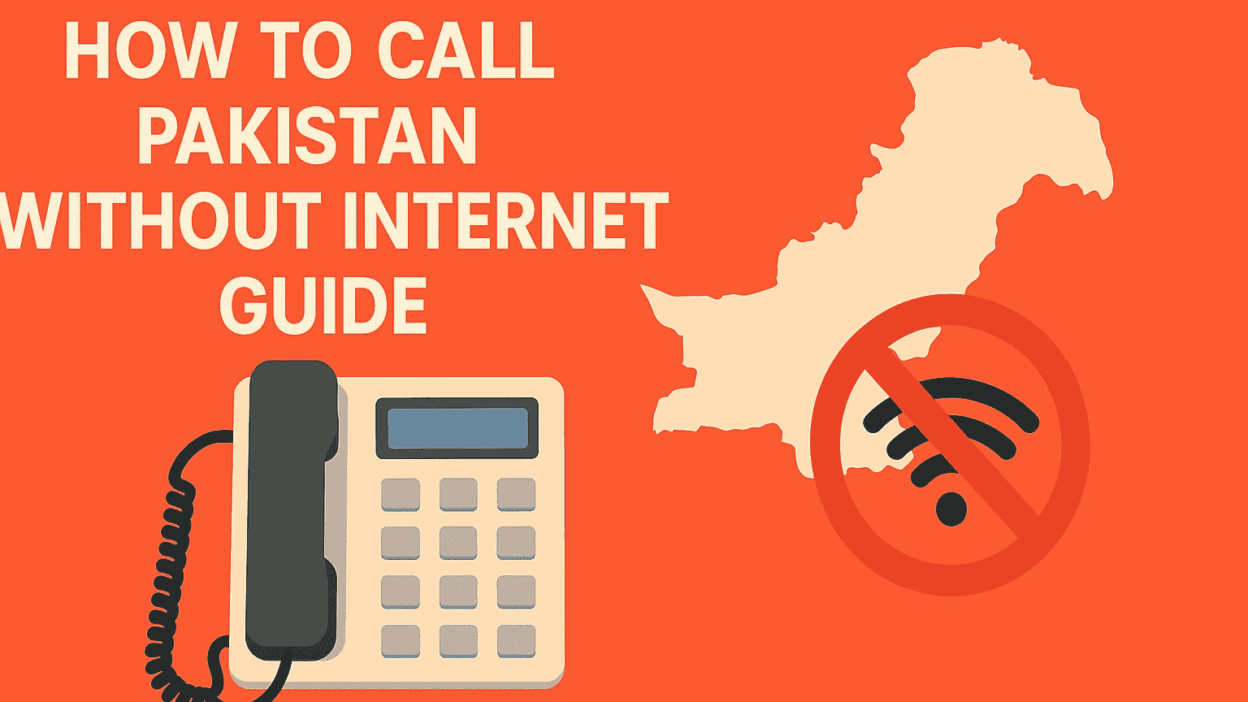
Mytello gives you the ability to call Pakistan from any phone, landline or mobile, without needing internet.
It works like this:
- You sign up (free)
- Enter the Pakistani number you want to call
- Mytello gives you a local number (in your country)
- You call that number, and Mytello routes it directly to your contact in Pakistan
Boom. No app needed. No Wi-Fi. Just a smooth, direct connection to the person you’re trying to reach.
Real Example: Calling Your Dad in Islamabad from the US
Let’s say you’re in New York. Your dad lives in Islamabad. He uses a regular mobile phone, no internet, no apps.
With Mytello:
- You go to the Mytello site and enter his number
- You receive a local US number that’s linked to him
- You save that number
- Next time, you just dial it like any regular US number, your dad’s phone rings in Pakistan
No international charges from your mobile carrier. No roaming fees. No dropped VoIP calls. Just a normal conversation.
And yeah, you can even do this from your home landline if you want to keep things old-school.
Quick Heads-Up: Cheap Call Rates to Pakistan
If you want to check what it would actually cost you to call Pakistan (landline or mobile), Mytello keeps it fully transparent. No contract. No setup fee. Just pay-as-you-go pricing.
👉 See Mytello’s Cheap Pakistan Rates Here
Starts as low as 4.5¢/minute. And yes, your first trial call is free.
🧭 First: What You’ll Need
Before we start, here’s what you need to use Mytello’s no-internet calling method:
- A landline OR any mobile phone (even a basic keypad model)
- A valid phone number in Pakistan (landline or mobile)
- A free Mytello account (setup takes 30 seconds)
- Optional: A few dollars in call credit (your first call is free)
That’s it. You’re not installing anything, changing providers, or touching your internet settings.
Step-by-Step: How to Call Pakistan Without Internet Using Mytello
Let’s break it down clearly. This process works whether you’re using a landline at home, an office phone, or a mobile without data.
Step 1: Create Your Free Mytello Account
- Go to www.mytello.com
- Choose your country (so you get the right local access number)
- Enter your mobile number and set up your account
👉 This is free. No contracts. No monthly fees. Just pay per minute for calls, or use the free trial.
Step 2: Enter the Pakistani Number You Want to Call
Once you’re inside your Mytello dashboard:
- Type in the number you want to call in Pakistan (include country code +92)
- Example: +92 321 1234567 for a mobile in Lahore
- Mytello instantly gives you a local number in your country (e.g., a U.S. number if you’re in the U.S.)
💡 That local number becomes your personal “shortcut” to call that person in Pakistan from now on.
Step 3: Save the Local Number to Your Phone
Now save that number in your phone as something like: “Dad – Pakistan (via Mytello)”
Why? Because next time you want to call, you just tap it like a regular contact. You don’t even need to open the website again.
Yes—it’s really that simple.
Step 4: Dial That Local Number From Your Landline or Mobile
📞 From this point forward:
- If you’re using a landline, just dial the local number directly
- If you’re using a mobile phone without internet or data, just call like you normally would
Mytello takes over behind the scenes, connects the call through their infrastructure, and routes it straight to Pakistan.
The person you’re calling sees your number (Caller ID is preserved), and the call sounds just like a normal phone call, except it costs a fraction of what your mobile carrier would charge.
Bonus Tip: You Can Call Without Ever Using the App
Some people prefer using the app, but if you’re in the “just give me the number and let me dial it” camp, you’re in luck.
You can use Mytello entirely without the app:
- No need to download anything
- Works from office landlines, hotel phones, old Nokias, even cordless phones
This is perfect for:
- Older family members
- Tech-cautious users
- Anyone on a tight data plan
Optional: Using the App When You Do Have Internet
Let’s say you occasionally connect to Wi-Fi, like when you’re home or at a café. Mytello has a free app (iOS and Android) that lets you call using VoIP too.
The benefit? You can use either method, VoIP or dial-in, depending on your situation.
- On Wi-Fi? Use the app
- On the road with no data? Use the saved local number
It’s a flexible, hybrid setup that works around your internet, not because of it.
Managing Credit, Caller ID, and More
A few helpful extras Mytello offers to keep your experience smooth:
I- Caller ID is Sent Automatically
The person you’re calling will usually see your number, so they know it’s you.
II- Real-Time Call Tracking
Inside the app or dashboard, you can see:
- Your remaining credit
- Call duration
- Cost per minute
- Full call history
III- Auto Top-Up
Don’t want to run out of credit mid-call? Enable auto top-up so it reloads when you’re low. (Totally optional, by the way.)
IV- Secure & Private
No third-party data sharing. All connections are SSL secured, and Mytello doesn’t store your contacts.
How Much Will It Cost to Call Pakistan Without Internet?
Let’s keep it real: nothing’s truly free if it’s reliable. But this is affordable. Here’s what you’re looking at:
- Calls to Pakistan mobiles or landlines: as low as 4.5¢ per minute
- No monthly fee
- No connection charges
- No roaming costs or internet data used
- And your first call is free
👉 Check the live rates here
Not Sure Which Method to Use? Here’s a Quick Guide:
| Your Situation | Best Option |
| You only have a landline | Use Mytello via local dial-in |
| You have a mobile but no data | Use local number method |
| You have Wi-Fi sometimes | Use both app + local number |
| You’re calling an office in Pakistan | Use landline or mobile via dial-in |
| You’re tired of poor WhatsApp quality | Use Mytello’s stable connection |
Keep It Simple, Keep It Working
Calling Pakistan shouldn’t be a struggle. You don’t need to pray for strong Wi-Fi. You don’t need to wait for someone to come online. And you definitely don’t need to pay $1/min from your mobile carrier.
With Mytello, you get the best of both worlds:
- A regular, stable call
- From any phone
- With no internet required
And once you save that local number, it becomes second nature—just like calling someone down the street.
Ready to try it?
👉 Make your first call to Pakistan free
No contract. No catch. Just better calls, finally.