Let’s not sugarcoat it.
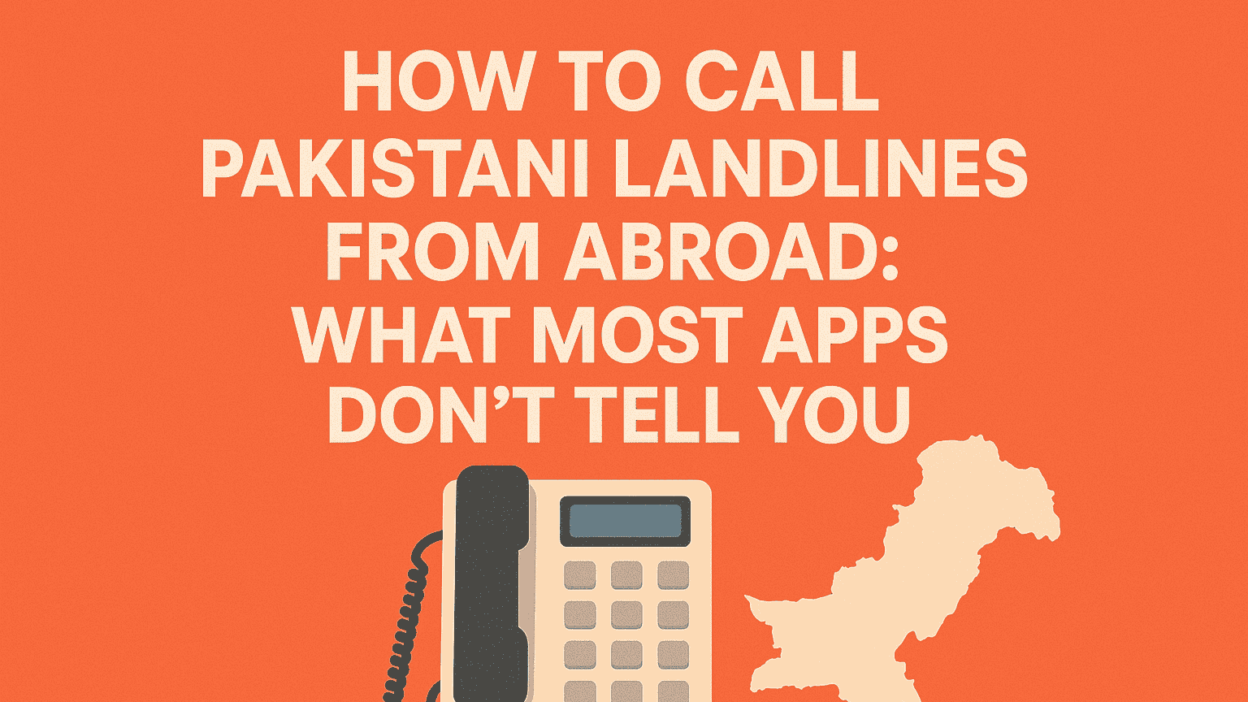
You’re trying to call a landline in Pakistan from abroad, and it feels like more trouble than it should be. Maybe it’s your old family home in Sialkot. Maybe it’s your dad’s landline in Islamabad. Or maybe you’re just trying to reach a government office to fix something urgent, and suddenly, nothing works.
You’ve tried WhatsApp.
You’ve tried Viber.
You even tried digging up that old international calling card you thought was a scam in the first place.
And still, no connection. Just frustration.
Let’s break this down together.
Why You’re Hitting a Wall with Landline Calls to Pakistan
We’re not talking about calling your cousin’s mobile. That’s easy enough if you both have smartphones and decent Wi-Fi.
We’re talking about calling landlines, numbers that don’t play by the rules of modern apps.
Here’s why that’s a pain no one talks about.
1. Most Apps Are Built for Smartphones, Not Real Phones
Let’s say it clearly: apps like WhatsApp, Telegram, Signal, they’re all designed for device-to-device communication. They’re not made to reach phone lines that sit on a desk, plug into the wall, and don’t even know what an app is.
And the frustrating part? These apps never really tell you this up front. You download, you dial, you assume the call will connect, until it doesn’t. There’s no message saying, “This number isn’t compatible with our service.” You just hit a wall of silence.
And it’s not just your end. The person on the other end, the one waiting for your call, has no clue you’ve even tried. No missed call notification. No voicemail. Just… nothing.
So if your grandmother is waiting by the home phone in Gujranwala… your WhatsApp call? It’s not even going to ring.
Apps don’t talk to landlines. Period.
2- Pakistan Still Runs on Landlines—Especially Where It Matters
Here’s what a lot of people outside the country forget: Landlines are still very much alive in Pakistan. Especially in homes with older family members, public institutions, and businesses.
We’re not just talking about a handful of homes tucked into small towns. We’re talking about full neighborhoods, entire offices, government departments, even hospitals that rely on landlines as their primary point of contact.
Why? Because landlines are stable. They don’t depend on power outages, they don’t need to be charged, and they’re not vulnerable to mobile network fluctuations. In many places, they’re still seen as the more trustworthy form of communication.
So when you see a government website in Pakistan, or a university contact page, or a doctor’s clinic listing, guess what number they publish? A landline.
You’ll find landlines in:
- Government offices (NADRA, passport centers, tax departments)
- Banks and universities
- Hospitals and clinics
- Older homes in smaller cities and rural areas
And if your only calling tool is an app that can’t reach those numbers, you’re effectively locked out.
3- Your Mobile Carrier’s “International Plan”? Not Helping
Sure, you could use your mobile carrier to dial direct. And pay… what? $1.25 per minute?
The big networks make you feel like international landline calling is some elite premium service, but it’s not. It’s just a regular phone call, but with a 500% markup.
Even if you’ve signed up for their “international saver” plan, read the fine print. You often get a small bundle of minutes, or you’re charged different rates depending on whether you call a landline or mobile. And sometimes there are connection fees that quietly eat away at your balance.
The kicker? You still don’t get better audio quality. You’re still going through the same underlying telecom infrastructure, just with a giant markup for convenience.
That’s like paying business class prices for an economy seat.
4- “Free” Calling Sites? Hidden Limits, Sketchy Quality
If you’ve ever Googled free call to Pakistan landline, you know what I’m talking about. Those sites that promise 5 minutes free, no signup needed, then drop the call after 90 seconds or ask you to watch 14 ads.
They look like a miracle fix. And then… they buffer, glitch, and fail.
Behind the scenes, these services aren’t running on reliable infrastructure. They’re routing your call through the cheapest possible channels, channels that may be overcrowded, unstable, or flat-out blocked by major networks.
Even when the call connects, the voice delay can be so bad, it feels like you’re communicating through a walkie-talkie during a thunderstorm.
Here’s the thing: when something is truly free, you’re the product. Your call quality doesn’t matter. Your privacy doesn’t matter. They’re just selling impressions and clicks.
They’re not here to help you talk to your family. They’re here to get your eyes on ads.
So What’s the Fix?
You need a way to call a Pakistani landline that:
- Works from your phone, even if it’s not a smartphone
- Doesn’t rely on Wi-Fi or mobile data
- Doesn’t require the other person to install anything
- Doesn’t cost a small fortune per minute
- Just… works
That’s the bar. And it’s not as high as it sounds—you just need a tool that was built for this kind of call.
Sound like a big ask? It’s not. But that’s where most people stop looking—right before the good part.
Mytello: The Quietly Brilliant Fix No One Told You About
If you’ve been around international calling for a while, you’ve probably stumbled across a dozen apps that promise free this, unlimited that. They rarely deliver. But Mytello? It actually solves a real-world problem, how to reach any number, including landlines, without requiring apps or internet.
What makes Mytello different is how it connects your call. It doesn’t force both users onto the same app. It doesn’t rely on Wi-Fi. And it doesn’t just work when the weather’s good and your signal is strong.
It’s designed to give you a local phone number that behaves like a shortcut to any Pakistani number, mobile or landline.
Step-by-Step: How to Call a Pakistani Landline Using Mytello
Step 1: Register in Seconds (No Setup Fee, No Credit Card Required)
You’ll start by creating a free account at mytello.com. No credit card needed just to register, and you can take a look around the platform before spending anything.
Mytello will ask for:
- Your country (so they know where to assign your dial-in number)
- Your name and email
- Your phone number (to link your account and Caller ID)
This step also unlocks your free test call, so you can try the service risk-free.
It’s built for speed. You don’t need to be tech-savvy, and you won’t get stuck trying to configure a bunch of settings just to place your first call.
Step 2: Enter the Pakistani Landline Number You Want to Call
Once you’re in, the next step is entering the number you’re trying to reach in Pakistan. Use the full international format:
- +92 for Pakistan’s country code
- Followed by the city or area code
- Then the landline number
Example:
+92 42 XXXXXXX for a number in Lahore
+92 51 XXXXXXX for Islamabad
+92 21 XXXXXXX for Karachi
This ensures the platform routes your call correctly.
What happens next is where the magic kicks in: Mytello generates a unique local number for you to dial, a number in your country that connects you directly to that landline in Pakistan.
Step 3: Save the Local Access Number
Once you have that local number, save it like any other contact on your phone.
Why? Because this number becomes your shortcut to calling that landline. No need to go through the platform again every time. No extra dialing codes. Just tap and talk.
And yes, you can generate multiple access numbers if you have several people or offices to call in Pakistan. Each contact gets its own number on your end.
This makes repeat calls incredibly easy, and honestly, way more natural than fumbling with apps or trying to remember area codes every time.
Step 4: Make the Call from Any Phone
This is where most people are surprised: you don’t need an internet connection to call.
You can dial the saved local number from:
- Your landline at home
- Your office desk phone
- Your mobile without data
- A burner phone
- Any keypad phone, old or new
There’s no app required for this method. No VoIP configuration. Just dial the number like you would call your local pizza place, and it connects straight to the landline in Pakistan.
And it works regardless of the technology on the other side. You don’t need the person in Pakistan to download anything or change how they receive calls. Whether they’re using a rotary phone or a wall-mounted corded device, they’ll hear you, loud and clear.
Why Mytello Beats Carrier Plans (And How It Cuts Through the Clutter)
Carrier international plans are built for one thing: margin. They charge you for the connection, the minutes, the privilege of using their “special rate,” and in many cases, a monthly fee just to access the feature.
Mytello flips that model.
You only pay for what you use. You’re charged by the minute, with no connection fee, no setup fee, and no minimum commitment. If you’re calling a landline for a quick five-minute chat, you’ll pay just that, about 22 cents total at 4.5¢ per minute.
You can top up with as little or as much as you want, and your credit never expires. You also get a clear call log showing what you spent, when, and how long the call lasted.
This is the kind of control that’s been missing from international calling for years.
But What About Call Quality?
Let’s talk about what matters: whether your voice reaches the other end clearly.
Because Mytello doesn’t route everything through the internet, your call doesn’t live and die by your Wi-Fi connection. Instead, it uses robust telecom infrastructure, carrier-grade routes, that are built to handle voice traffic globally.
When you call a landline in Pakistan, your audio stays stable, uninterrupted, and natural sounding. You’re not yelling over a lag, you’re not repeating yourself five times, and you’re not dealing with robotic voices from overloaded free-call servers.
If anything, the experience feels like a traditional landline-to-landline call used to feel clean, clear, and reliable.
A Few Smart Moves to Make Before You Dial
If this is your first time calling a landline in Pakistan using this method, here’s how to get the most from your experience:
Double-check the area code.
Pakistani cities each have a distinct landline code. Even a single digit off can route you to the wrong region.
Let the person know you’ll be calling.
If your Caller ID shows a local number (which it will), the person on the other side may not recognize it. A quick heads-up via message can make sure they pick up.
Make test calls at different times of day.
Power outages, time zone confusion, and business hours may impact whether someone picks up, especially if you’re calling an office.
Keep track of your balance.
Use the real-time dashboard to monitor your credit. You can also set auto top-up if you’re worried about running out mid-conversation.
The Bottom Line: You Don’t Need to Struggle to Call Home
If you’ve been avoiding landline calls to Pakistan because they’re “too expensive” or “too complicated,” it’s time to stop. You’ve got a better option now, and it respects your time, your money, and the people you’re trying to reach.
This isn’t just about international calling. It’s about staying connected with the parts of your life that still live on the other side of the world.
Whether you’re calling to say Eid Mubarak, check in on your mother, or finally talk to someone at that government office that never responds to email—now you can.
Start Now — Free Trial Call Available
You can get started in minutes. Try your first call for free, and see how simple it is to reconnect the way that actually works.
Visit: Cheap Landline Calls to Pakistan – Mytello
No internet. No app. No nonsense.
Just your voice, where it needs to go.